AI-Assisted Parametric Skyscraper: Rhino MCP + FLUX Rendering Workflow
A self-initiated investigation into AI-assisted parametric design, using a real parcel in the San Francisco Financial District as the testing ground. The project integrated three tools in sequence: Claude scripting, RhinoCommon C# geometry directly into Rhino 8 via MCP, and ComfyUI with FLUX.2 Dev for photorealistic rendering, and staged execution patterns developed to work within the constraints of Rhino's synchronous scripting environment. Two design iterations were produced — a tapered orthogonal massing and a sinuous twisting redesign with a spiralling structural exoskeleton — and rendered across multiple atmospheric conditions to evaluate how form, material, and light interact at the urban scale.
Project Type
AI Workflow Study
Tool
Rhino 8 · RhinoCommon C# · ComfyUI · FLUX.2 Dev
Role
Sole Researcher
Site
San Francisco Financial District
Time
Summer 2026
Parametric Geometry via Rhino MCP + RhinoCommon C#
The base massing was scripted directly into Rhino 8 through the MCP integration, with Claude generating RhinoCommon C# to build the tower geometry in staged tool calls. Layer structure followed the proposed-tower convention — sublayers for mass, glazing, terrace, FRC spandrel bands, tinted glazing, structural exoskeleton, core, and roof — with all objects grouped under a single PROPOSED-TOWER group.
Base Geometry — Clay Render, Eye-Level Courtyard View
The tapered massing reads as a wedge in plan, widest at the podium and pinching toward the crown, with a spiraling structural exoskeleton of 8 ribs tracing the taper. Horizontal FRC bands articulate every floor zone, with recessed dark-tinted glazing reading as shadow between them. A two-storey retail podium anchors the building to grade.
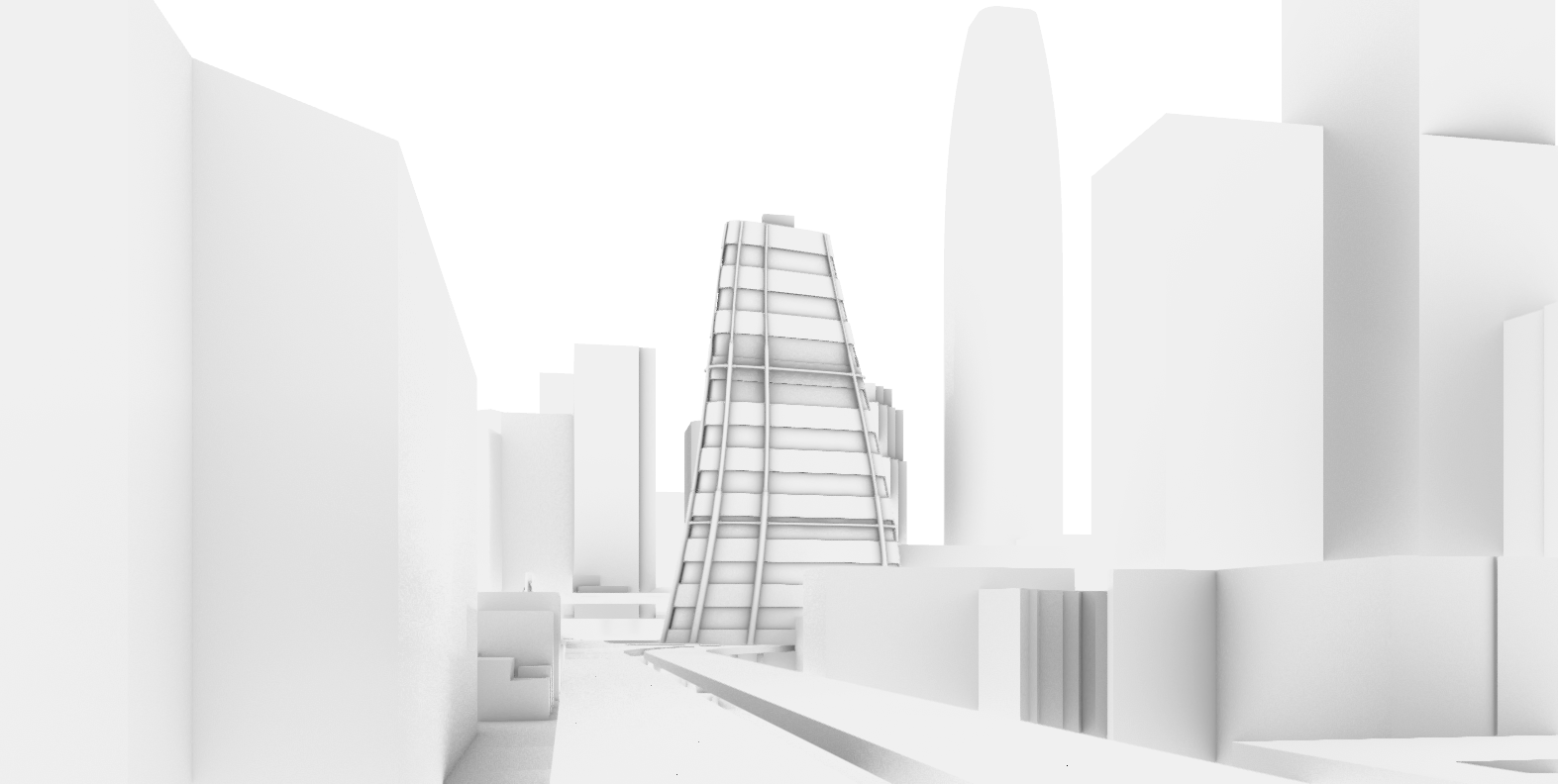
Street-level perspective View
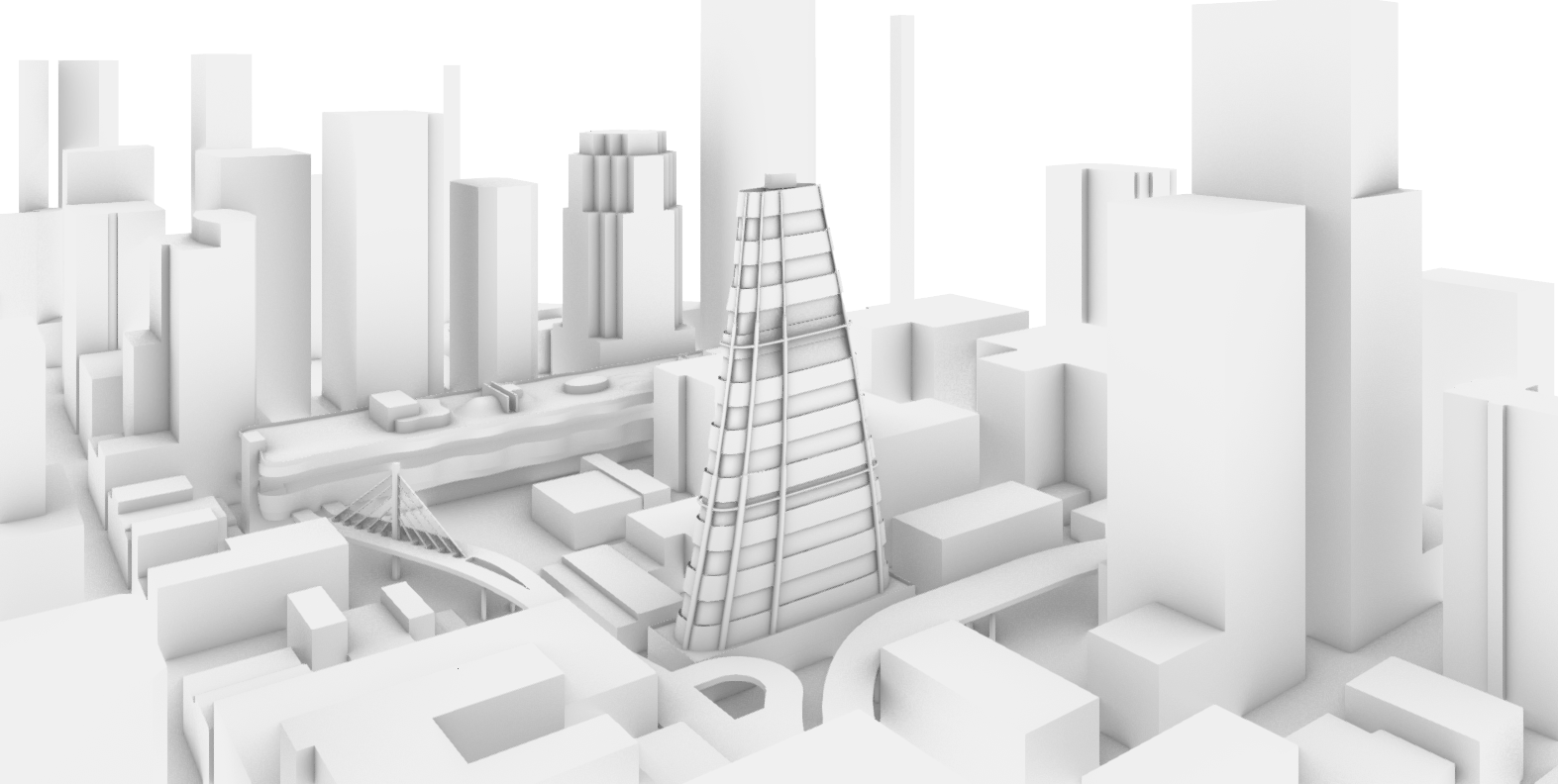
Aerial Isometric View
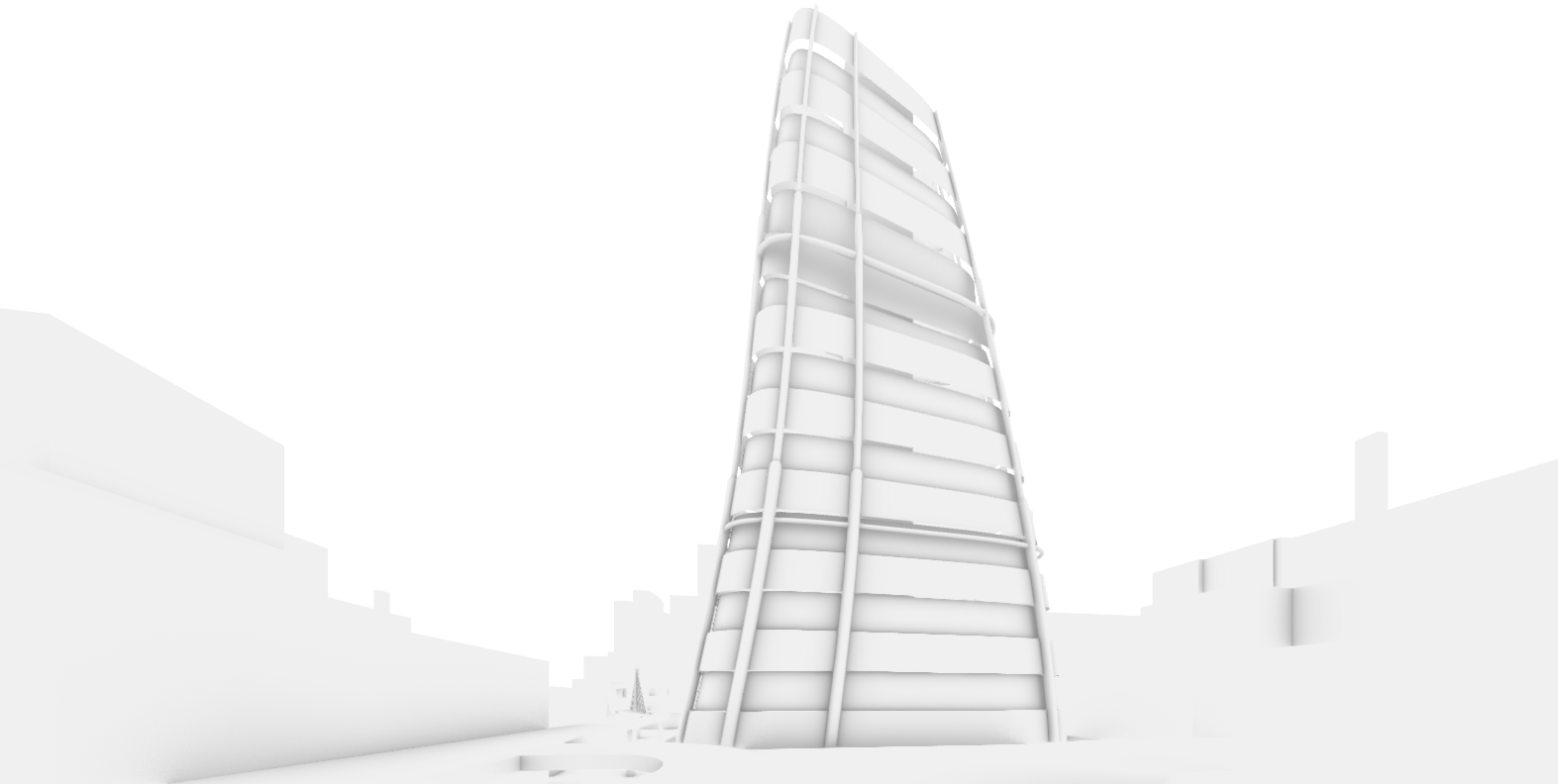
Close Up Perspective View
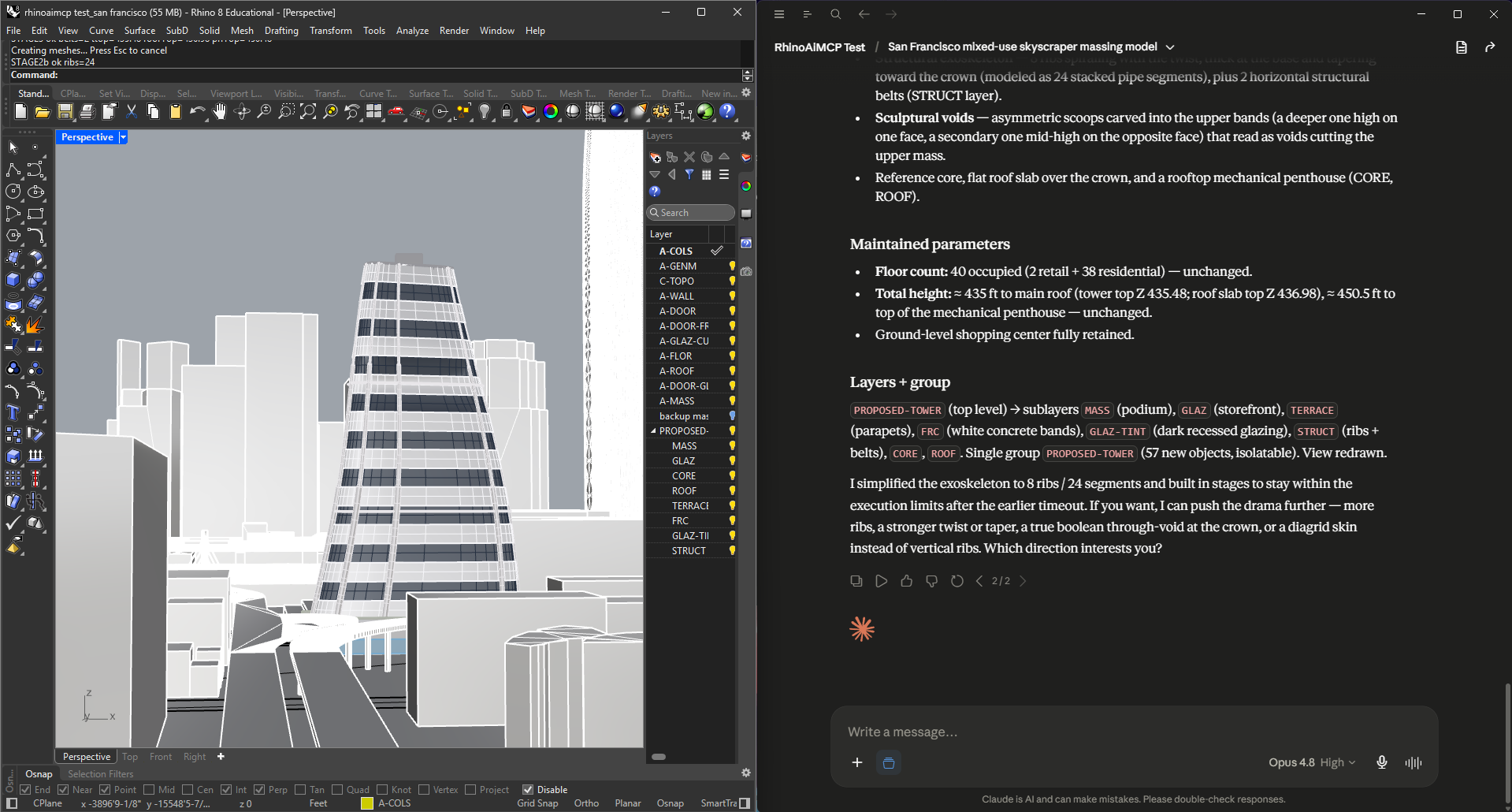
Rhino 8 viewport with active MCP session
Staged Scripting, Layer Convention & Execution Constraints
A key finding from this workflow was the behaviour of Rhino's synchronous scripting environment under MCP-driven execution. Scripts time out and roll back completely at around 4 minutes — partial commits do not persist. The reliable pattern that emerged was splitting complex parametric builds across three staged tool calls: deletions and layer setup first; primary massing second; detail elements (ribs, belts, core, roof) third, with a single doc.Views.Redraw() only at the final stage.
A second constraint involved the variable-radius pipe overload in RhinoCommon. The two-element array version for tapered ribs produced silent failures — empty results, no error thrown. The workaround was stacking two or three constant-radius pipe segments per rib with decreasing radii, which reliably reproduced the taper effect without triggering any failure.
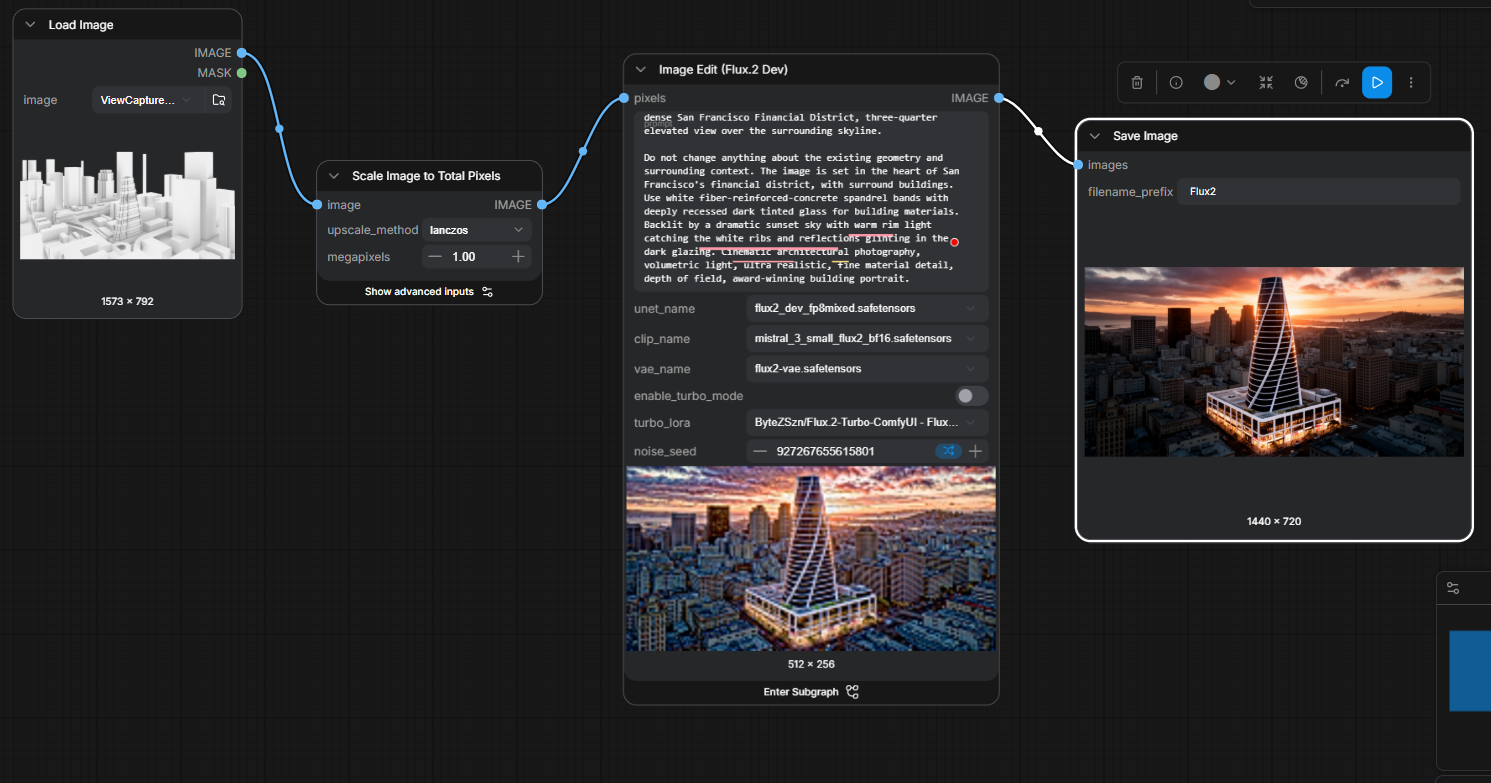
ComfyUI node graph
ComfyUI Node Graph — FLUX.2 Dev img2img Pipeline
Rhino ViewCaptures of the massing model were passed directly into a FLUX.2 Dev img2img workflow in ComfyUI. The pipeline moves left to right: the clay render is loaded, scaled to 1 megapixel via Lanczos upscaling, and fed into the FLUX.2 Dev Image Edit node alongside a natural-language prompt describing materials, atmosphere, and camera conditions. FLUX models respond strongly to prose-structured prompts rather than keyword lists — material character, light quality, and camera angle were all specified in full sentences.
Design Iterations Across Atmospheric Conditions
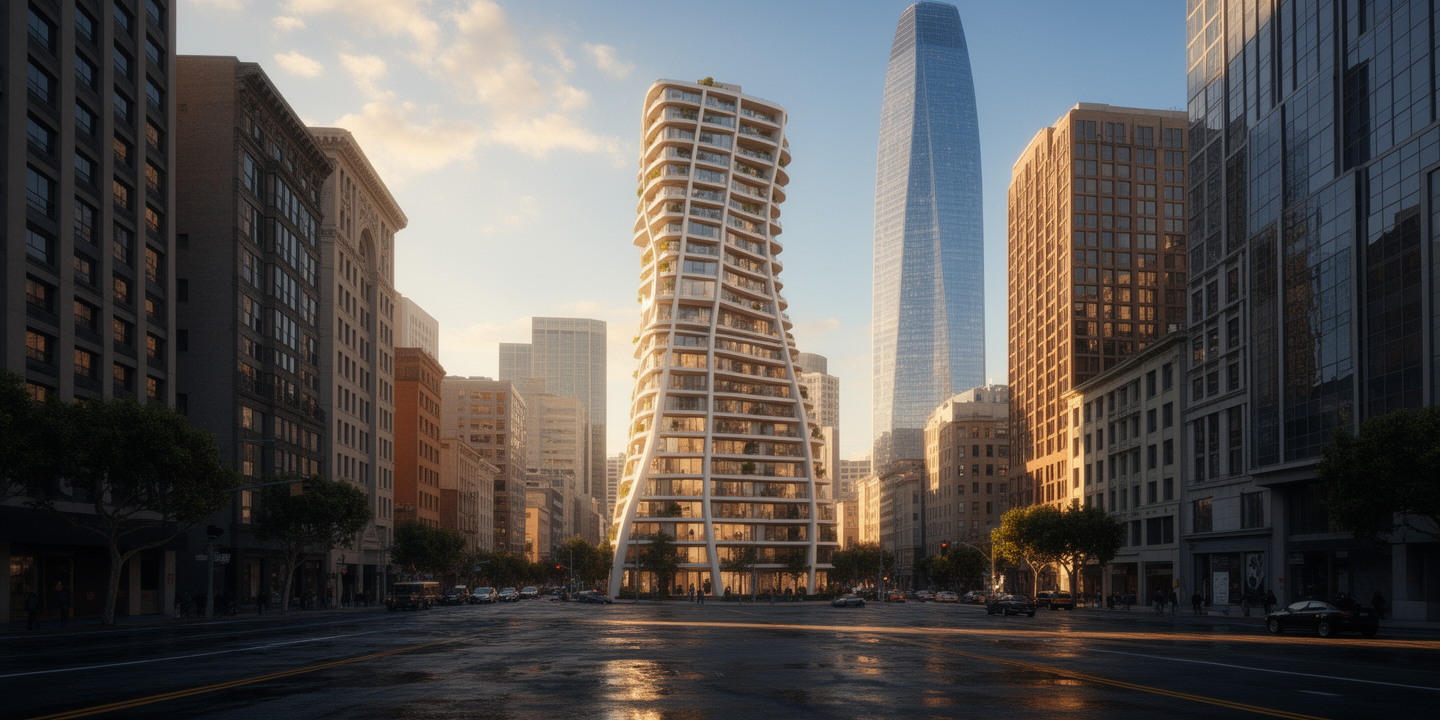
Six FLUX-generated renders were produced across two design iterations and multiple viewpoints and lighting conditions — street-level, aerial oblique, and close-up — to evaluate how the massing reads against the Financial District context at different times of day. The renders below show the progression from orthogonal massing to the sinuous exoskeleton redesign.
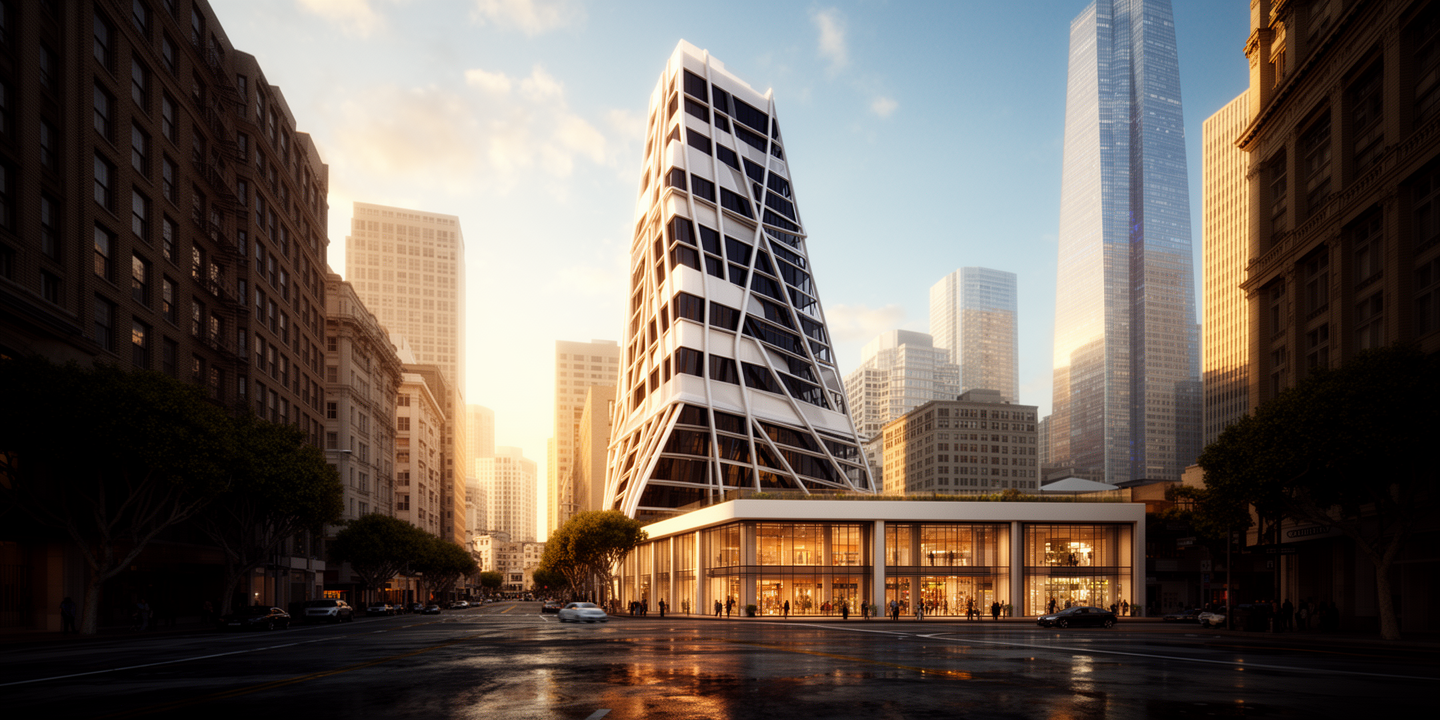
Street-level, golden hour
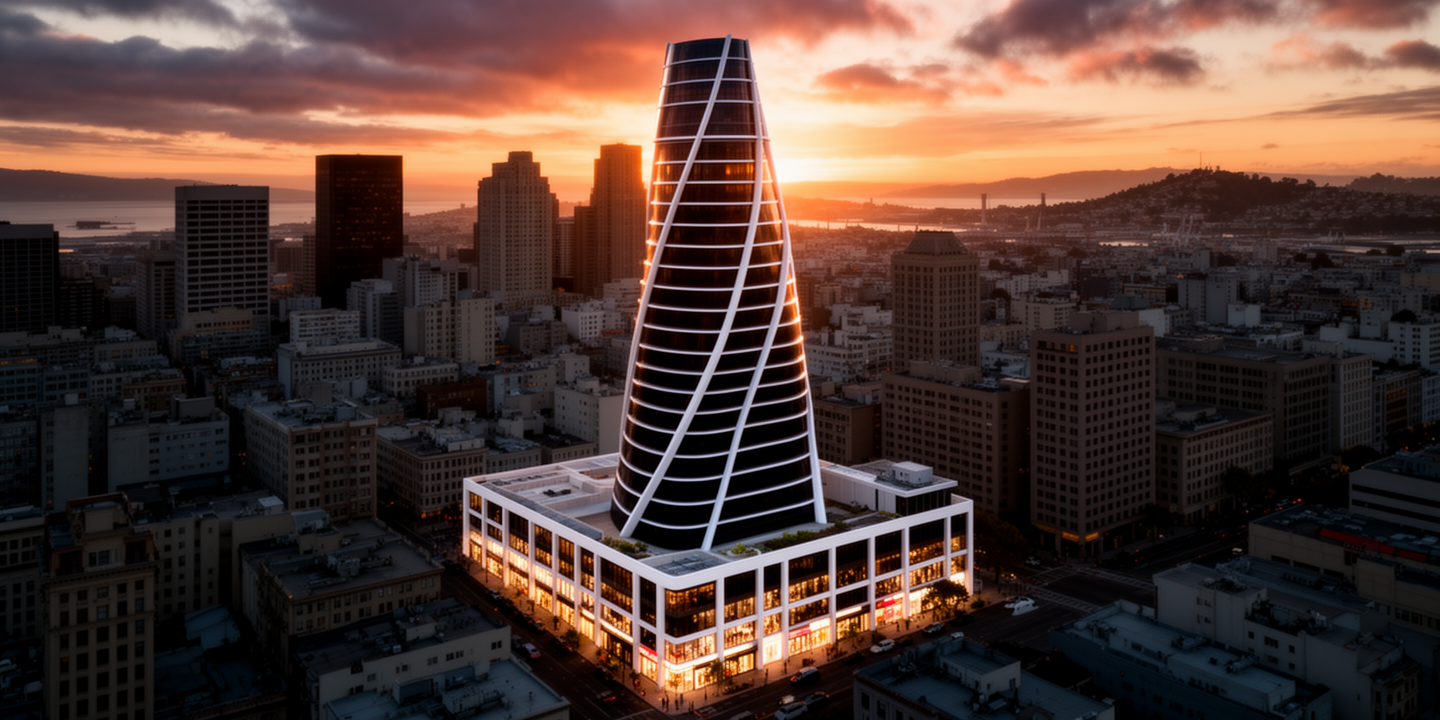
Aerial Isometric, sunset
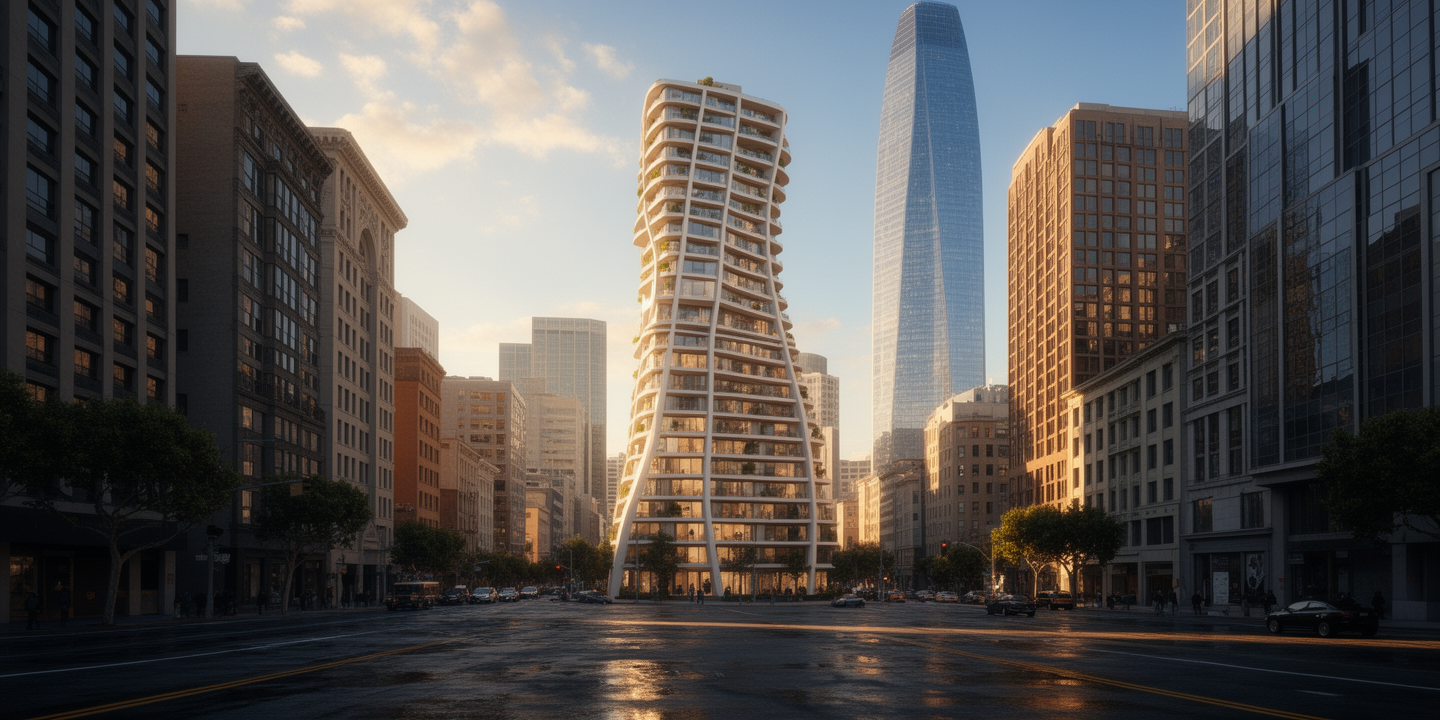
Street-level, golden hour
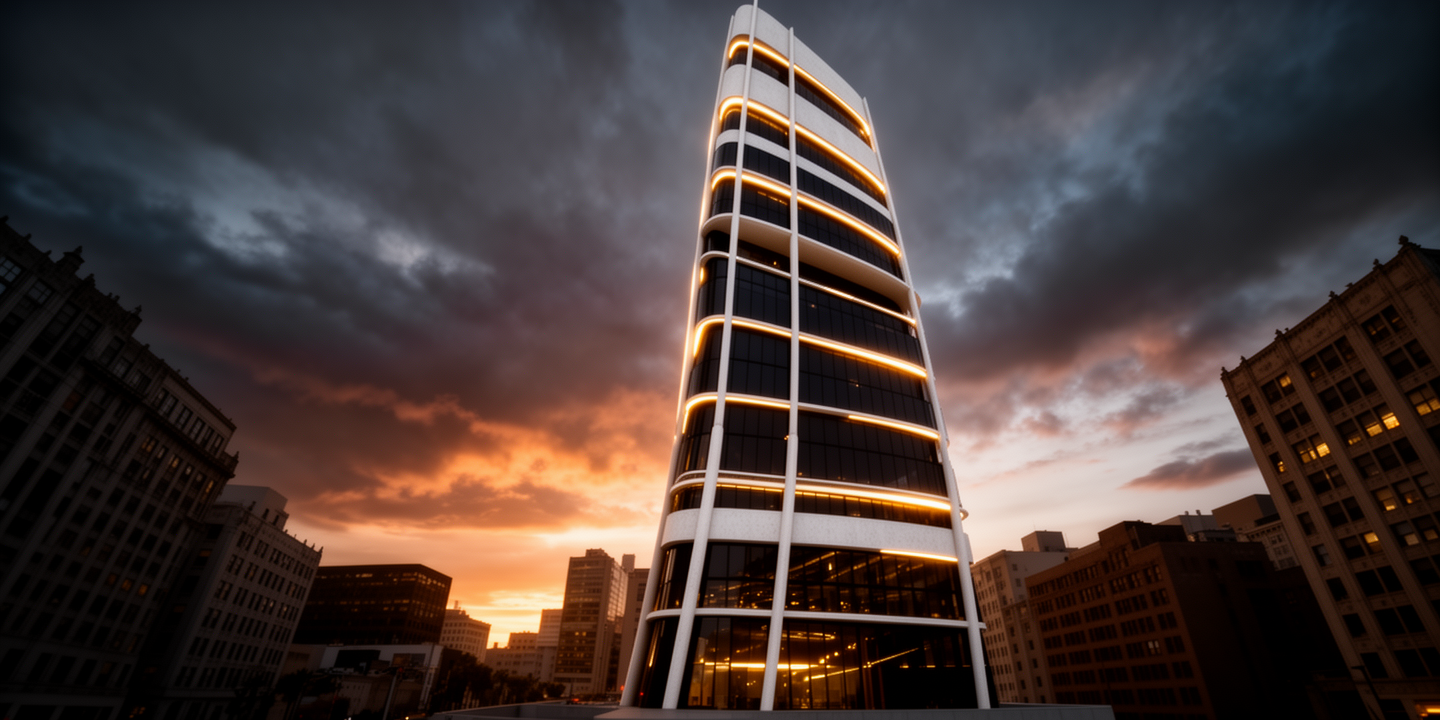
Street-level, dusk